
Mods
Total War: SHOGUN 2 mod support — the Complete Edition Mod.io browser, Steam Workshop collections, load order rules and save compatibility.
Introduction
SHOGUN 2 has one of the more durable modding scenes in the Total War series, and the Complete Edition adds an in-game browser powered by Mod.io so mods can be found and installed without leaving the title. The older Steam Workshop library remains the largest collection for the 2011 release, covering unit packs, campaign tweaks, visual overhauls and full conversions that rebuild rosters and battle balance. Mods are not simply additive, however: several editing the same unit tables will silently override one another, and adding or removing a campaign mod mid-run usually breaks the save. Multiplayer adds a further constraint, because any mod that changes unit statistics desynchronises online matches.
Mod Types and Risks
| Mod Type | What It Changes | Risk Level |
|---|---|---|
| Unit packs | Adds new units to existing rosters | Low |
| Visual and texture overhauls | Replaces models, textures and effects | Low |
| Campaign tweaks | Adjusts economy, growth or research pacing | Medium |
| Balance overhauls | Rewrites unit statistics and costs | Medium |
| Total conversions | Replaces rosters, map pacing and battle balance | High |
| Multiplayer-affecting mods | Any statistic change used online | Desync |
Mod Categories
Mod.io Browser
The Complete Edition's built-in mod browser, which removes the need to leave the game to install mods.
Steam Workshop Collections
The original mod library, still the largest source of content for the base game.
Unit Packs
The safest category of mod: additional units slotted into existing rosters.
Balance Overhauls
Mods that rewrite unit statistics and costs, changing how every battle resolves.
Total Conversions
Overhauls that replace rosters, campaign pacing and battle balance together.
Campaign Tweaks
Mods that adjust economy, growth or research pacing without rewriting unit statistics.
Core Mechanics
Mods in SHOGUN 2 work by replacing or extending data tables, and the game loads them in a specific order. When two mods edit the same table, the one loaded later wins, which means conflicts are silent: the game starts, but with a mixture of both designs rather than the one you intended. Campaign saves record the mod state they were created under, so adding a mod that changes tables used by existing units usually breaks the save while adding a purely additive unit pack often does not. Multiplayer adds a hard constraint, because clients with different unit statistics cannot stay synchronised. The Complete Edition's Mod.io browser simplifies installation but does not change any of these underlying rules, and the Workshop library written against the original release has to be checked for compatibility.
Advantages
Mods extend a game that is already unusually durable. Unit packs add roster variety without touching the systems that make the game work, visual overhauls modernise the presentation beyond what the Complete Edition rebuilds, and campaign tweaks let players adjust pacing to taste, whether that means slower growth for a longer campaign or faster research for a shorter one. The Mod.io browser removes the main friction point of modding, which used to be managing subscriptions outside the game and manually checking for updates. For players who have exhausted the designed campaigns, total conversions effectively provide new games built on the same combat model.
Challenges & Weaknesses
Mod conflicts are silent and therefore dangerous. Nothing warns you that two overhauls are fighting over the same table; the campaign simply behaves inconsistently, and the symptoms look like game bugs rather than mod problems. Save compatibility is unforgiving in both directions, so a campaign started without mods cannot usually accept them later, and a campaign started with them cannot continue without them. Workshop content written for the 2011 release does not always behave correctly under the rebuilt Complete Edition build. And any mod that changes unit statistics makes multiplayer impossible without disabling it first, which means modded players need to maintain two separate configurations.
Frequently Asked Questions
How do I install mods in Total War: SHOGUN 2?+
Why does my modded campaign keep crashing?+
Can I use mods in multiplayer?+
Which mods are safest to start with?+
Quick Tips
Decide which mod supplies your balance and use only that one. Two overhauls editing the same unit tables do not produce an error, they produce a silent mixture in which the last loaded mod wins for some values and the other wins for others. The resulting campaign behaves inconsistently and the symptoms look like bugs rather than conflicts, so the rule is one balance mod, one load order, no exceptions.
Never add a campaign-affecting mod to an existing save. Saves record the mod state they were created under, and adding or removing something that changes unit or economy tables usually corrupts the file. If you want to try a total conversion or a balance overhaul, start a new campaign with it enabled from turn one and keep your existing campaign on a separate profile.
Check the last update date and the current comments before subscribing to a Workshop mod. Many mods in the library were written for the 2011 release and have not been revised for the rebuilt Complete Edition build, and an abandoned mod is the most common cause of a game that will not start. A mod with recent comments and recent fixes is a considerably safer bet than one with a large subscriber count.
Keep a clean, unmodded profile for multiplayer. Any mod that changes unit statistics desynchronises online matches, because both clients have to resolve the same engagement identically, and a mismatch produces disconnects rather than an error message. Cosmetic mods are lower risk but still not guaranteed safe in a lobby where other players are running unmodified files.
Featured
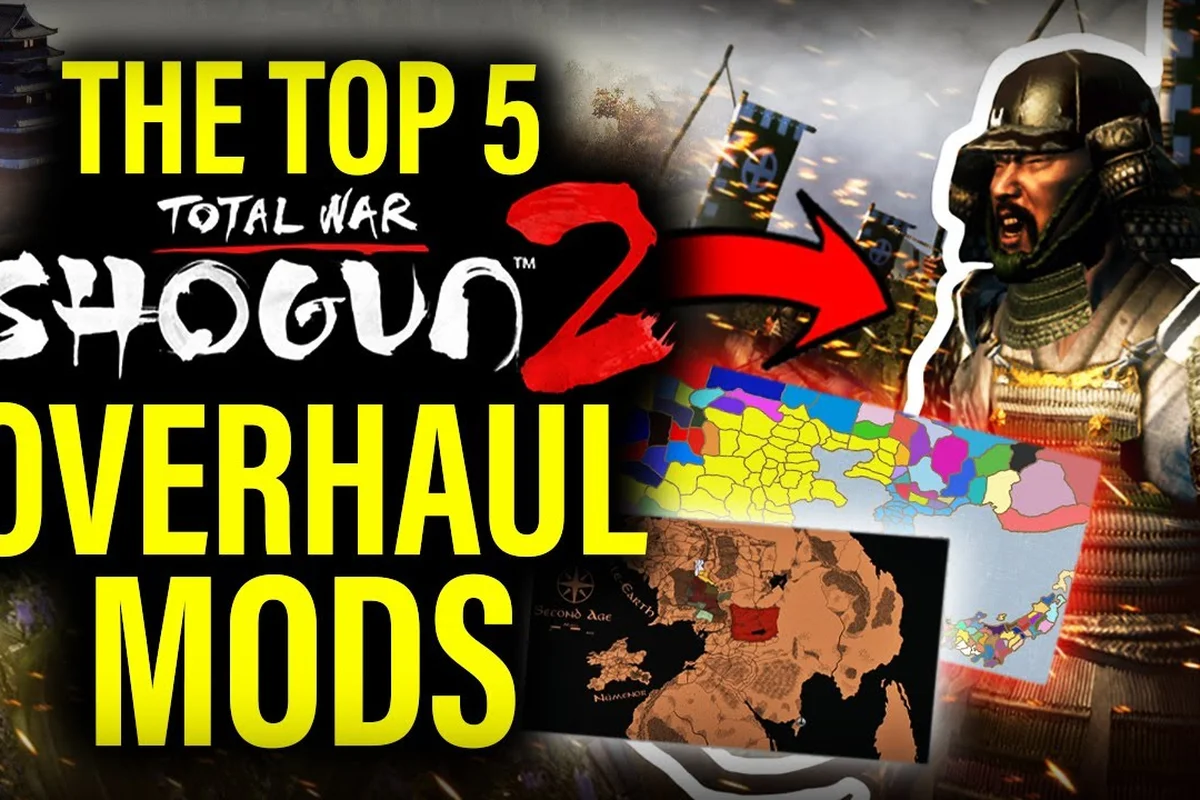
Total War: SHOGUN 2 Mods: Workshop Picks & In-Game Browser Guide
Find the best Total War Shogun 2 mods through Steam Workshop and the in-game Mod.io browser, with install tips and top picks for Sengoku overhauls.
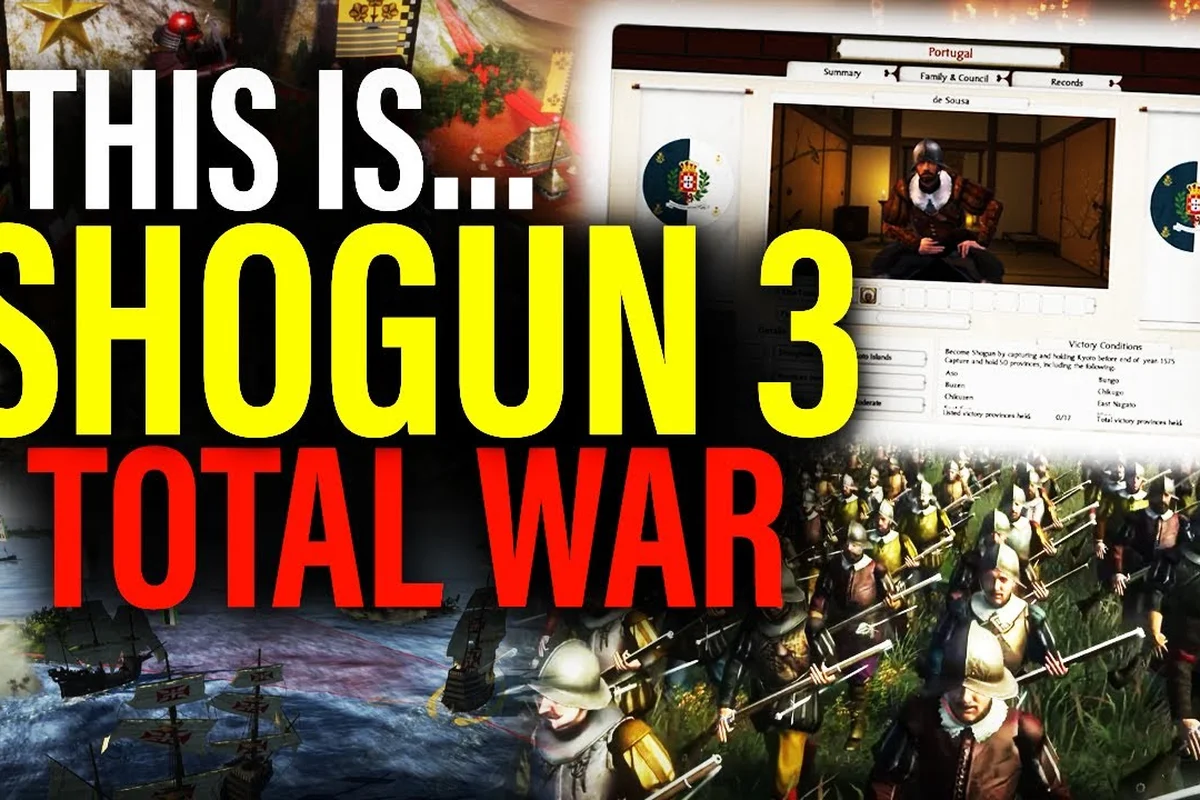
Total War: SHOGUN 2 Graphics Mods: Visual, Blood & AI Overhauls
Push Shogun 2 visuals and combat further with graphics mods, blood and realism packs, better AI overhauls, and naval fixes pulled from the Steam Workshop.
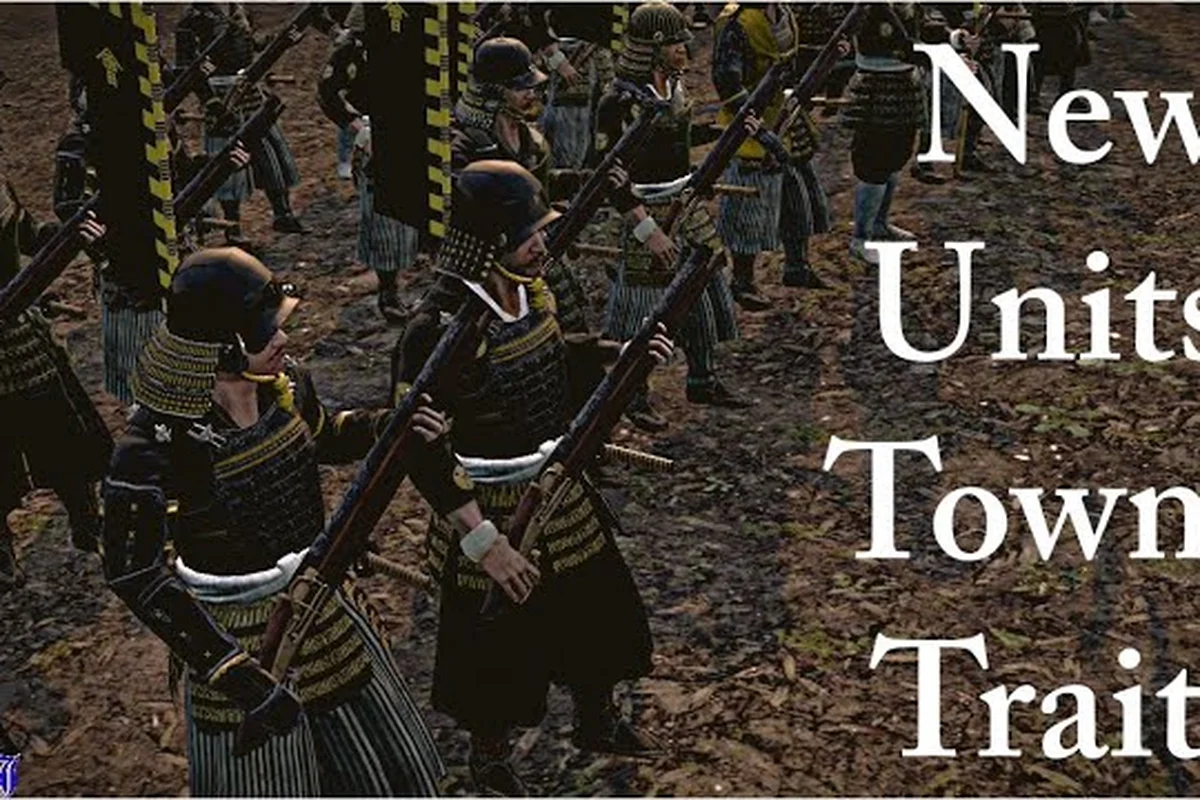
Total War: SHOGUN 2 Rise of the Samurai Mods & Compatibility Tips
Refresh the Genpei War campaign with Rise of the Samurai mods, Complete Edition compatibility checks, and troubleshooting for mods that block achievements.
All Articles
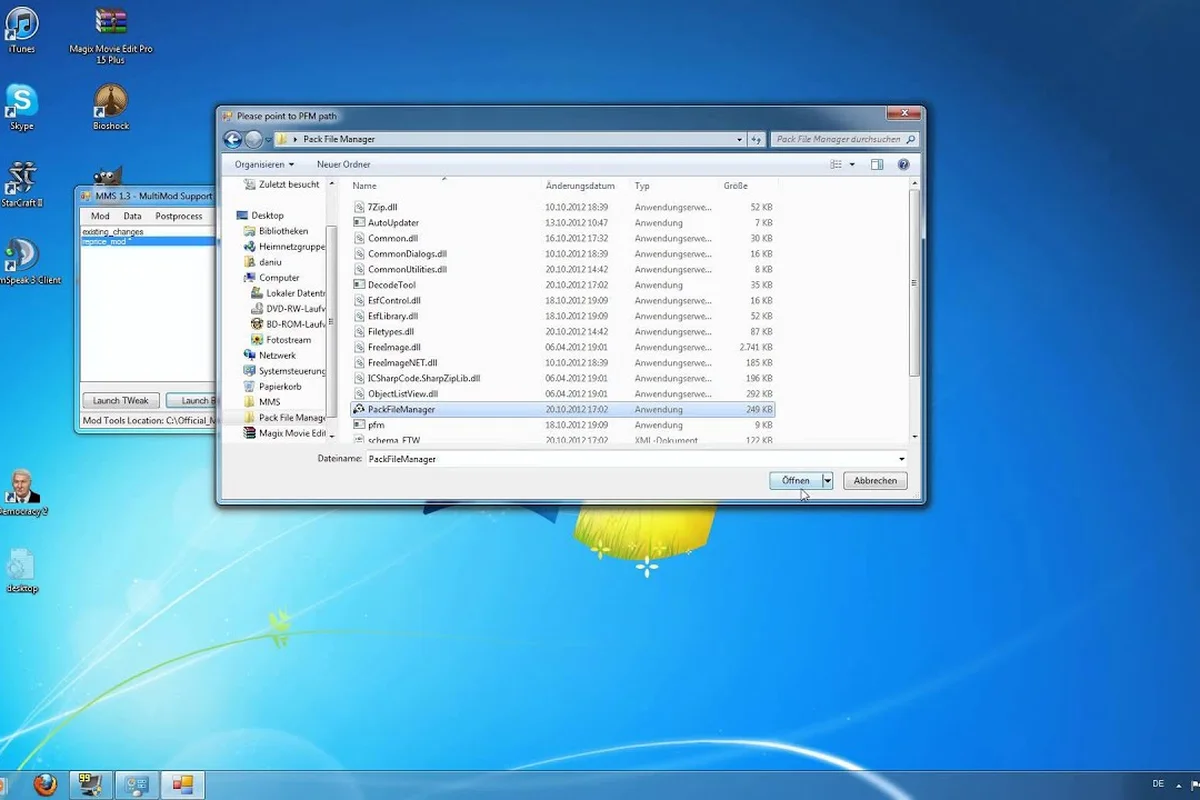
Total War: SHOGUN 2 Modding Tools: Pack Files & DB Editor
Start building mods with the right Shogun 2 modding tools — pack file editing, the DB table editor, and community resources for total conversions and unit packs.
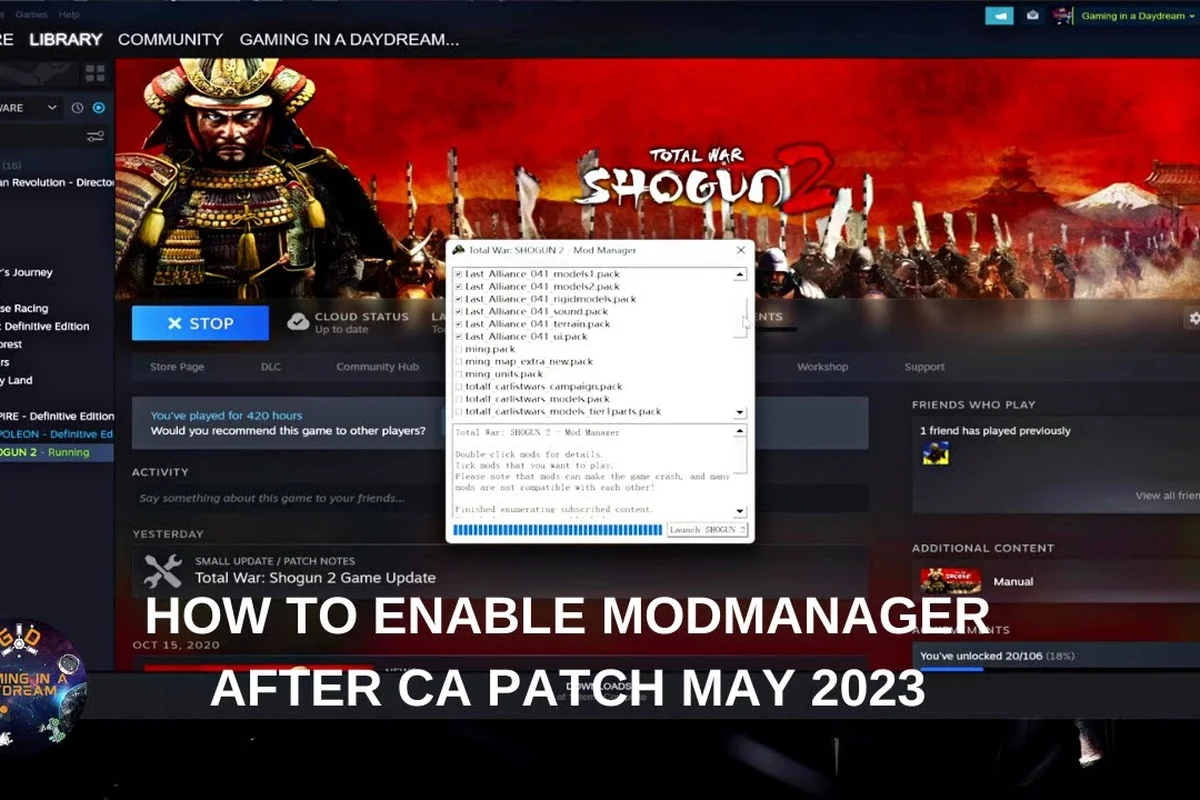
Total War: SHOGUN 2 Mod Load Order & Compatibility Fix Guide
Stop mod conflicts before they crash your campaign: learn Shogun 2 mod load order rules, compatibility checks, and quick fixes for mods that break saves.
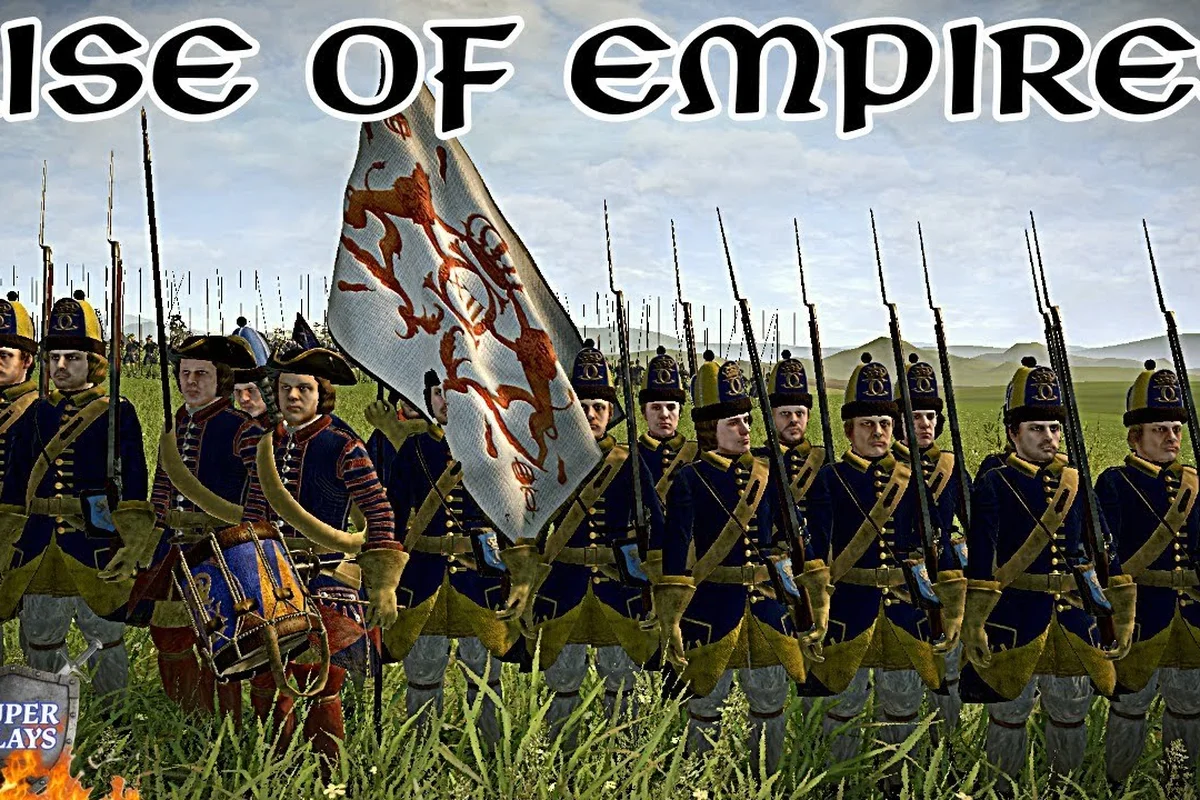
Total War: SHOGUN 2 Map Mods: Historical Maps & Uninstall Guide
Swap the campaign map with Shogun 2 historical accuracy mods and total conversions, plus safe install and unsubscribe steps that protect your saves.